



Test Automation & CI/CD: Tools, Frameworks, Best Practices
Test automation is the practice of using scripts and tools to execute test cases automatically. It reduces manual effort, speeds up feedback cycles, and makes it possible to run regression suites on every build.
This hub brings together Kualitee's practical resources on test automation and CI/CD, from building an automation strategy to choosing the right framework to integrating automated tests into your pipelines.
Whether you're a QA manager deciding what to automate first or a senior tester evaluating Selenium, Cypress, or Playwright, the guides below cover the questions modern QA teams ask most.
Building an Automation Strategy
Before writing a single script, QA teams need to answer three questions: what to automate, when to automate it, and who owns the automation long-term. Automating the wrong things, such as unstable UI flows, one-off test cases, and features still in active development, creates brittle suites that cost more to maintain than they save.
The right starting point is stable, high-value, frequently executed test cases: regression suites, smoke checks, and API layer tests. Our guide on the introduction to the software build management covers how build stability feeds directly into automation viability. Start there before committing to a framework or toolchain.

Frameworks: Selenium, Cypress, and Playwright
Choosing an automation framework is a decision that's hard to reverse once a team has invested months building a suite around it. The three most widely used frameworks in 2026 are Selenium (browser-agnostic, language-flexible, mature ecosystem), Cypress (JavaScript-native, fast feedback loop, best for modern web apps), and Playwright (cross-browser, supports multiple languages, strong for complex interaction testing).
The right choice depends on your stack, your team's language preference, and how much of your testing is UI vs API vs end-to-end. The testing status report guide covers how to track and communicate automation coverage once your suite is running.

Integrating Automated Tests With CI/CD Pipelines
Test automation delivers its full value only when it runs automatically on every build. Not manually on demand. Integrating your test suite into a CI/CD pipeline means every commit triggers a test run, failures block bad builds from moving forward, and the team gets feedback in minutes rather than days.
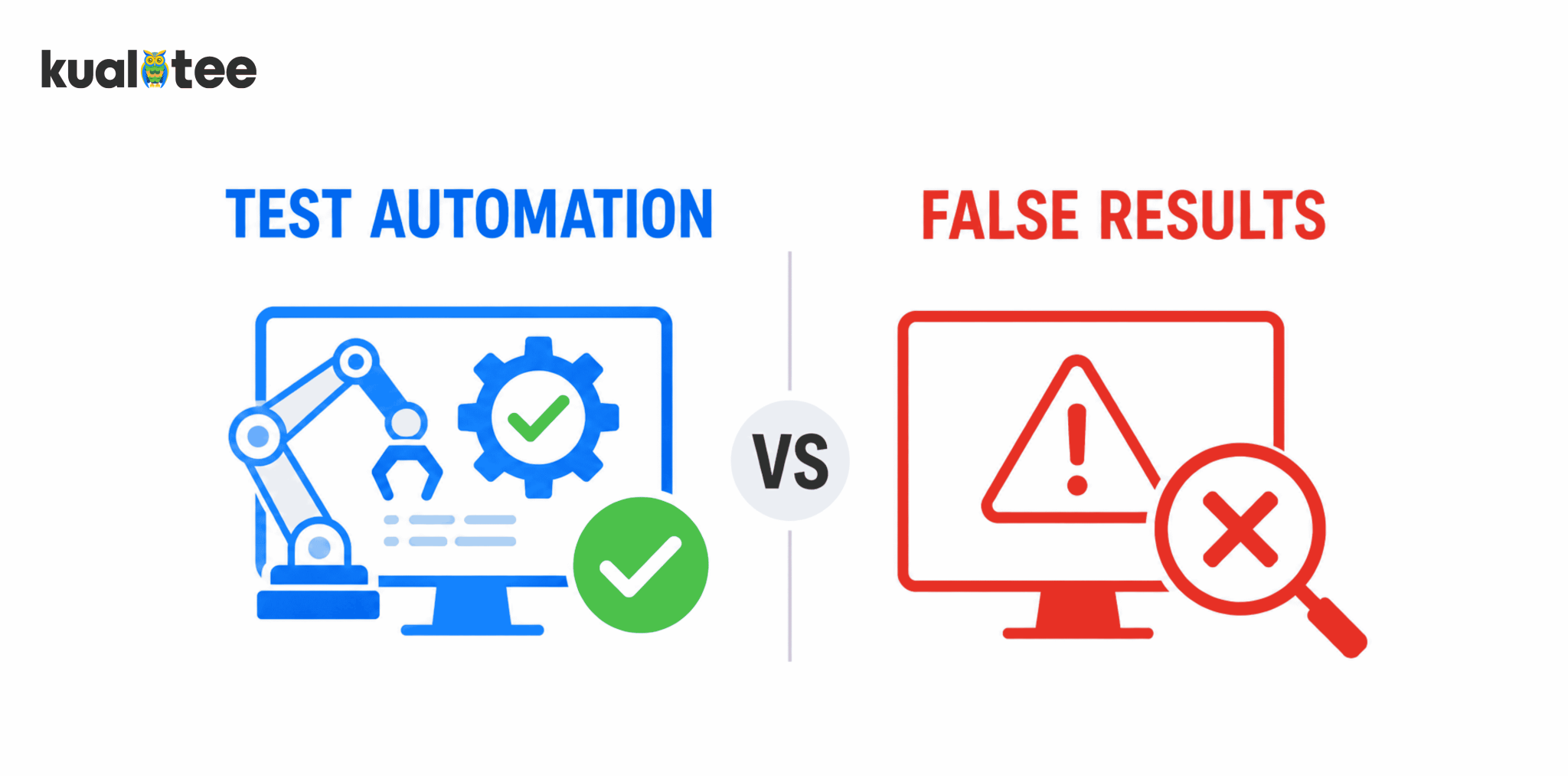
The practical setup involves connecting your test runner to your pipeline tool (Jenkins, GitHub Actions, GitLab CI, CircleCI), defining which tests run at which stage, and setting clear pass/fail gates. The test automation vs false results guide covers how to avoid the most common pipeline integration mistake: treating a green build as a signal of quality when your suite has coverage gaps.
Frequently Asked Questions
The questions QA managers, testers, and engineering leads ask most about test automation.
Test automation is the practice of using tools and scripts to execute test cases automatically, compare actual results against expected outcomes, and report pass/fail status. Without manual intervention for each run. It's most valuable for regression testing, smoke checks, and API validation, where the same tests need to run repeatedly across builds. Automation doesn't replace manual testing. It frees manual testers to focus on exploratory, usability, and edge-case testing that scripts can't reliably cover.
The decision comes down to four factors: your application type, your team's programming language, your browser coverage requirements, and your budget for maintenance. Selenium suits teams that need broad browser coverage and language flexibility. Cypress is the fastest to set up for JavaScript teams building modern web apps. Playwright handles complex cross-browser scenarios and is gaining ground quickly for end-to-end testing. Start with what your team can actually maintain. An abandoned automation suite is worse than no suite at all.
Integration works at two levels. First, your automated test runner connects to your pipeline, so tests execute on every build trigger. Second, your test management platform receives the results: pass, fail, or blocked. It then maps them back to test cases and test runs. This gives QA leads a live view of coverage and release health without manually checking pipeline logs. Kualitee's CI/CD integration covers both levels, feeding automated results directly into test runs so reporting stays accurate without extra manual steps.
Automation is not always the right answer. Don't automate test cases that are still changing frequently because the maintenance cost will outpace the savings. Don't automate one-off tests designed to investigate a specific defect. Don't automate UX and usability checks that require human judgment. And don't automate tests for features that are likely to be deprecated soon. A good rule of thumb is that if a test case won't be run at least 10 times, the cost of automating it probably doesn't justify the return.
The testing pyramid is a model for distributing automated tests across three layers. The base is unit tests, which are fast, cheap, and written by developers to validate individual functions. The middle is integration tests, for checking that components work together correctly. The top is end-to-end tests, which are full workflow simulations that are slower and more expensive to maintain. The pyramid recommends investing most in the base and least in the top. Teams that invert it and rely heavily on end-to-end tests end up with slow, brittle suites that break on minor UI changes.
Kualitee connects your automated test results directly to test runs, test cases, and release reports. So, your CI/CD pipeline feeds your QA visibility, not just your build log.

