Every QA team is hearing the same thing right now:
AI is going to transform how you work.
Well, in some ways, it already has. But the day-to-day reality is messier than the pitch decks suggest.
AI is brilliant at certain tasks and genuinely frustrating at others. And most people using it aren’t talking honestly about that gap.
This article does. No hype, no fear. Just a clear-eyed look at where AI earns its place in your workflow and where blind trust will cost you. So, read on.
Key Takeaways
- AI is a starting point, not a finish line. Always apply human expertise before output enters the process.
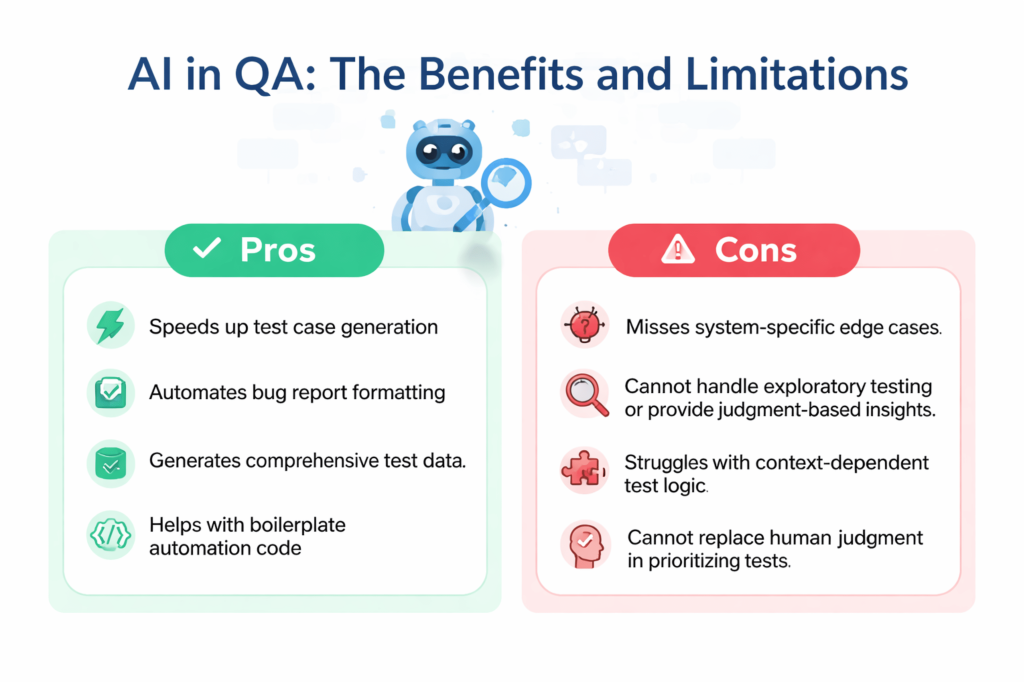
- Generation tasks are AI’s strongest suit. Test cases, bug reports, test data and boilerplate code are where the time savings are real.
- Context is everything. And AI has none of yours. Undocumented business rules, past incidents and system quirks will always need a human.
- Exploratory testing, prioritization and judgment calls stay human. These aren’t tasks AI can grow into. They require experience, not processing power.
- Audit before you expand. Know which tasks AI is actually handling, and who is reviewing the output before it runs.
What AI Is Actually Good At in QA
Let’s start with the good.
Over 72% of QA professionals are already using AI for test generation and script optimization, per the State of Quality Report 2025. This is great, isn’t it?
But the adoption isn’t surprising once you look at where the real wins are. These are the tasks where AI saves time, reduces cognitive load and lets engineers focus on work that actually requires their judgment.
1. Test Case Generation from Requirements or User Stories
This is probably the most talked-about use case, and the hype is mostly justified.
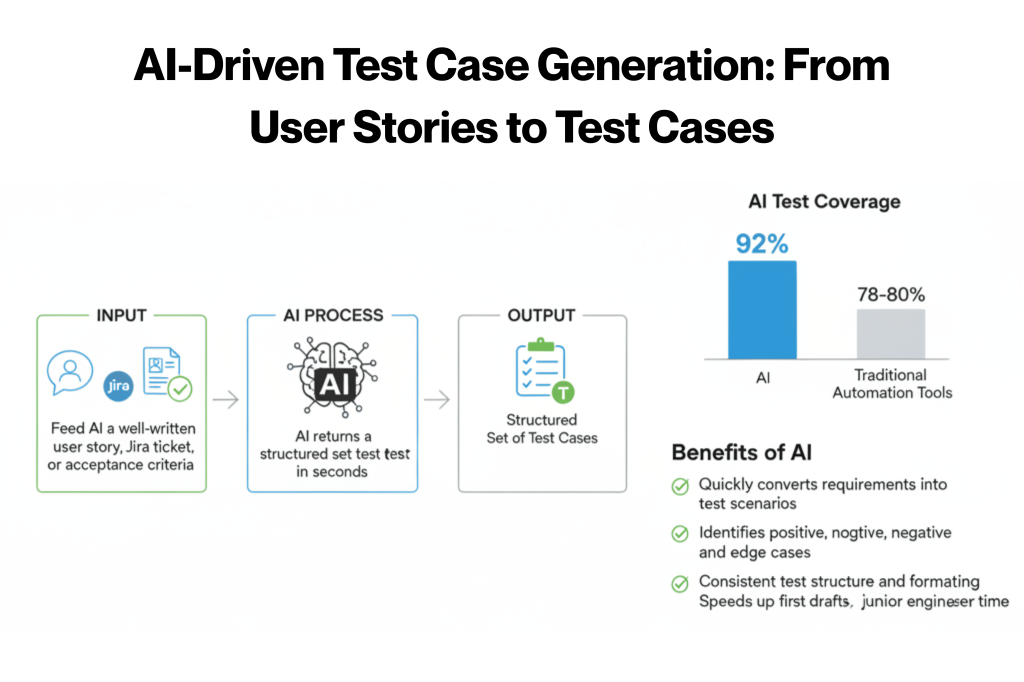
Feed AI a well-written user story, a Jira ticket, or a set of acceptance criteria, and it returns a structured set of test cases in seconds.
Research on generative AI in testing found that models like GPT-4 achieved up to 92% test coverage compared to 78-80% for traditional automation tools. That’s a real gap.
Here’s what AI does well in test case generation:
- Converts acceptance criteria into step-by-step test scenarios quickly.
- Identifies positive, negative and edge-case paths from a single input.
- Produces consistent structure and formatting across cases.
- Reduces the time junior engineers spend on first drafts significantly.
But there’s a caveat:
These cases reflect what’s written in the spec. AI does not know what your team learned from past incidents, undocumented business rules or system-specific quirks.
The draft is a starting point. A senior engineer still needs to review it.
2. Writing and Improving Bug Reports
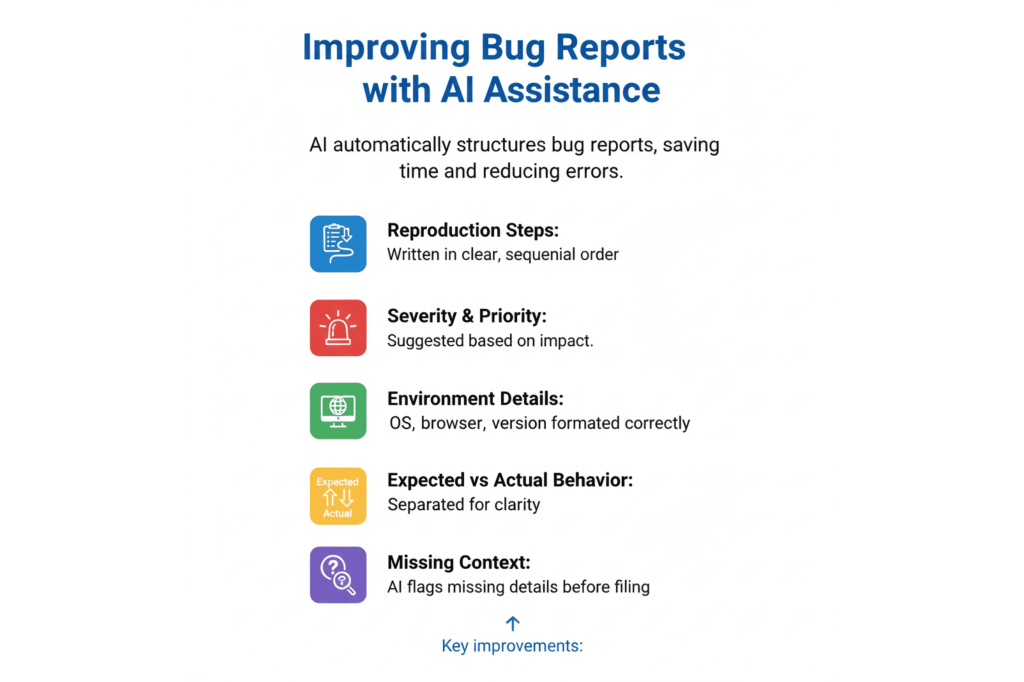
A well-structured bug report takes time to write and is easy to get wrong under pressure. AI handles the structure well. Give it a rough description of what broke and it returns something organized and ready to act on.
AI consistently improves these elements of bug reports:
- Reproduction steps written in clear, sequential order.
- Severity and priority suggestions based on the impact described.
- Environment details (OS, browser, version) formatted correctly.
- Expected vs. actual behavior separated cleanly.
- Missing context flagged before the report gets filed.
This is especially valuable for teams where junior engineers are filing reports. The quality floor goes up across the board without any extra coaching.
3. Generating Test Data Variations
Covering edge cases, boundary values, negative inputs and invalid formats manually is tedious.
It’s also easy to under-produce. Not because engineers don’t know better, but because fatigue sets in and obvious paths get prioritized.
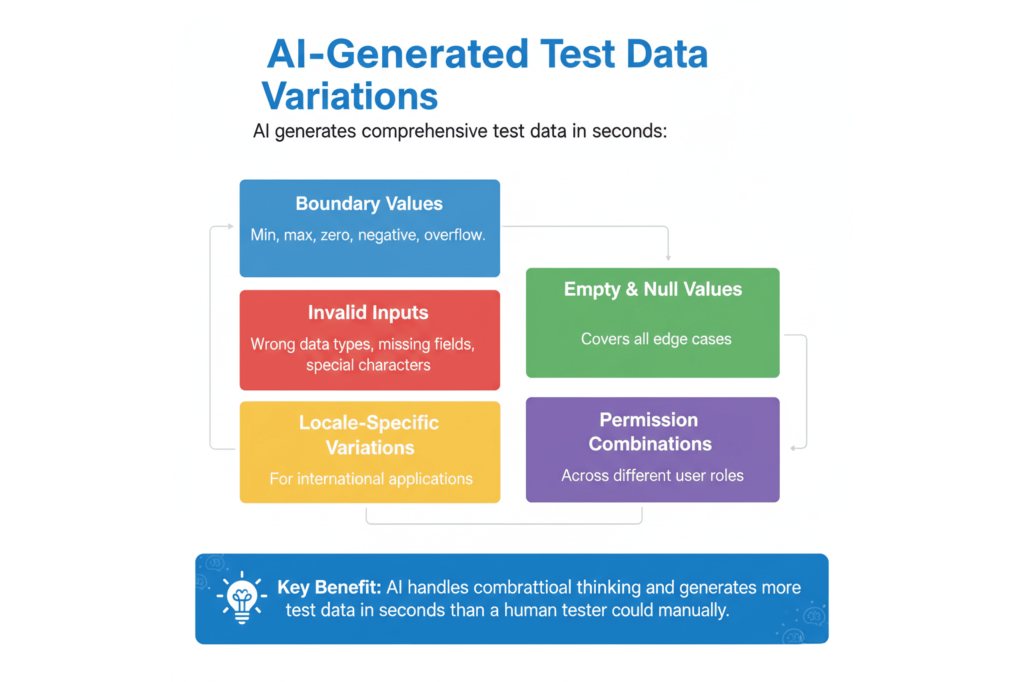
AI handles the combinatorial thinking here without cutting corners:
- Numeric boundary values (min, max, zero, negative, overflow).
- Invalid input formats (wrong data types, missing fields, special characters).
- Empty and null value scenarios.
- Locale-specific variations for internationalized applications.
- Permission-level combinations across user roles.
The output needs a quick review for relevance. But the volume and variety that AI generates in seconds would take a human tester significantly longer.
4. Boilerplate Automation Code
If an engineer knows what they want to test but doesn’t want to spend an hour writing scaffolding, AI is genuinely useful here.
It speeds up engineers who already know what they’re doing. It doesn’t replace the need to know what you’re doing.
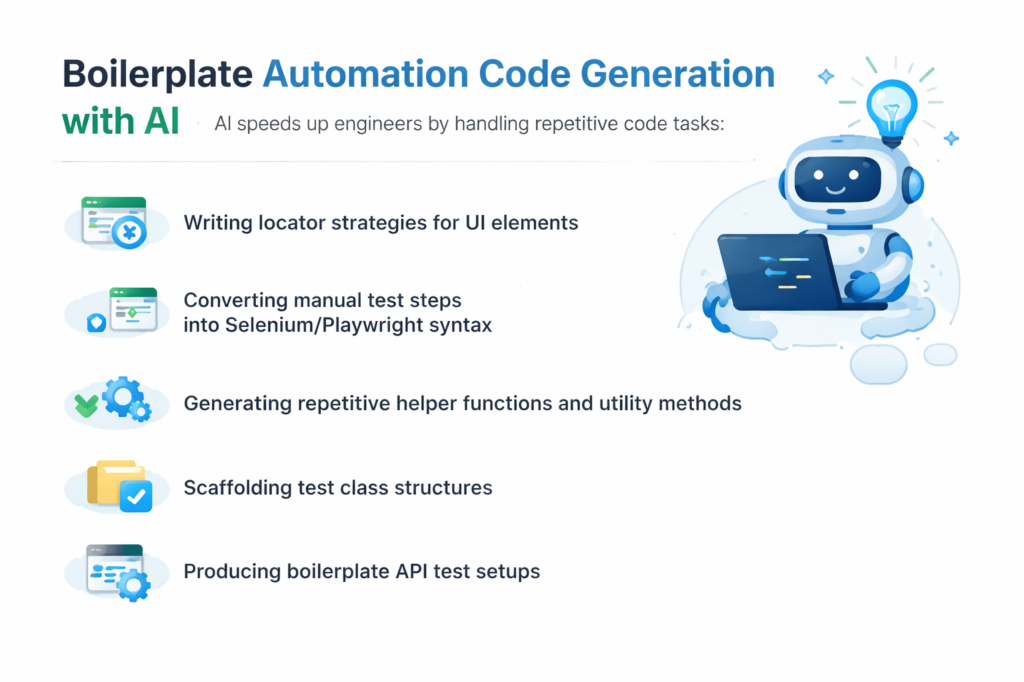
That said, the following are some tasks where AI handles the heavy lifting well in this regard:
- Writing locator strategies for UI elements
- Converting manual test steps into Selenium or Playwright syntax
- Generating repetitive helper functions and utility methods
- Scaffolding test class structures for new test suites
- Producing boilerplate API test setups with request/response handling
5. Documentation and Test Plan Summaries
Turning sprint coverage notes into readable summaries for stakeholders is a low-priority, high-frequency task. One that eats into QA managers’ time every two weeks.
AI does it extremely well and fast.
The same applies to:
- Test plan sections that follow a predictable template.
- Release notes summarizing what was tested and what passed.
- Stakeholder-facing coverage reports before a release.
Paste in your notes, get back something structured and presentable. It’s not exciting, but the time savings compound over a quarter.
6. Regression Scope Suggestions
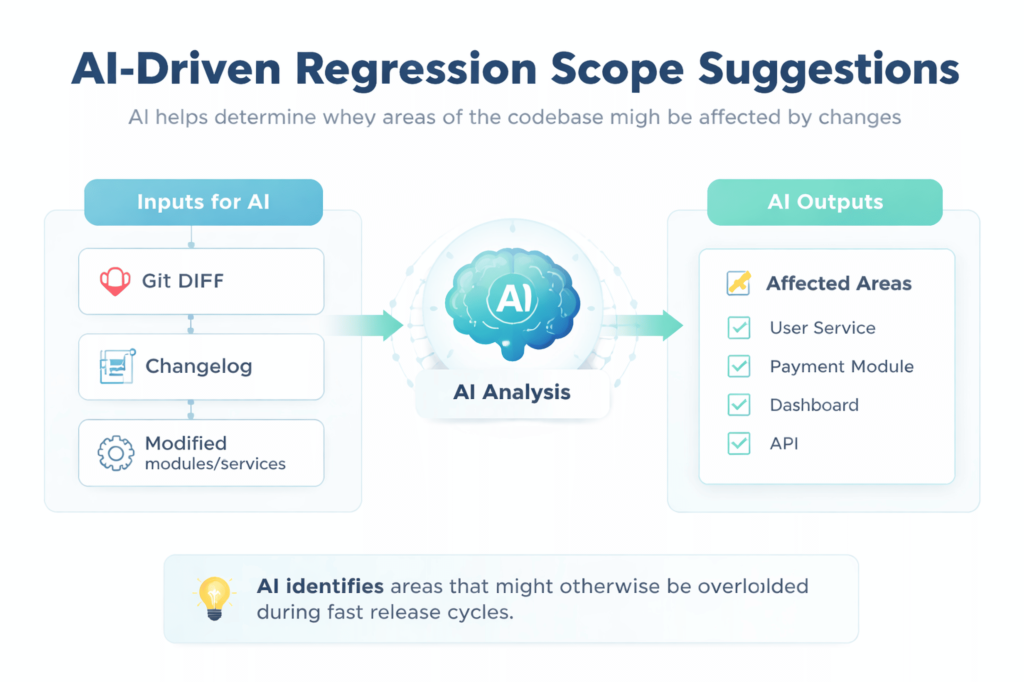
Feed AI a changelog or a diff, and it returns a first-pass list of what might be affected. Think of it as a faster starting point, not a final answer.
Useful inputs to give AI for better regression suggestions:
- Git diff or a summary of code changes.
- Release notes or a changelog from the current sprint.
- A list of recently modified modules or services.
- Known dependencies between components.
The value is in catching areas you might overlook when you’re moving fast. AI doesn’t know which parts of your system are historically fragile.
That judgment stays with your team. Like it should.
Spending too much time on the manual parts of test management?
Kualitee helps QA teams organize, execute and track testing in one place, so you can move faster without losing visibility. Sign up free →
Where AI Still Gets It Wrong
Now that we’re past the good stuff, it’s time to talk about the bad. Here’s where things get uncomfortable.
AI has real limitations in QA, and they’re not edge cases. They sit at the core of what good testing actually requires.
The 2025 World Quality Report ranks Generative AI as the #1 skill for quality engineers. While simultaneously noting that human judgment, context and cross-functional collaboration are becoming more critical, not less.
Research is consistent on where the boundaries are. AI effectiveness is rated high for generation tasks. Moderate for automation. And limited for exploratory and context-dependent testing.
Knowing where those limits are is what separates teams that use AI well from teams that get hurt by it.
1. Context-Dependent Test Logic
AI has no memory of your system’s history. It generates test cases that look correct and cover obvious paths, but it misses the cases your team discovered through real experience. That knowledge isn’t in any spec. It’s in people’s heads.
Examples of what AI will consistently miss:
- Edge cases uncovered through past production incidents.
- Business rules added to handle regulatory exceptions.
- Integration behaviors specific to a third-party vendor’s implementation.
- Race conditions that only surface under specific load patterns.
- Workarounds baked in for known system limitations.
The test cases AI produces are complete relative to what was written. They’re often incomplete relative to what’s real.
2. Exploratory and Experience-Based Testing
Exploratory testing relies on something AI doesn’t have:
The instinct. The “something feels off” hunch. A senior QA engineer navigating a checkout flow and noticing an ambiguous error message, or a missing loading state in one specific scenario, is exercising pattern recognition built over the years.
That’s not a workflow you can describe in a prompt.
Research is consistent here. AI effectiveness is rated as limited for exploratory and context-dependent testing.
Specifically, AI struggles with:
- Noticing UX issues that aren’t functional failures.
- Adapting test direction mid-session based on unexpected behavior.
- Applying domain intuition to decide what’s worth investigating.
- Recognizing when something “works” but will confuse real users.
This gap isn’t closing quickly because it isn’t a capability gap. It’s a judgment gap.
3. Test Prioritization in High-Stakes Releases
Deciding what to test first with three hours before a release involves:
- Understanding which parts of the codebase are historically fragile.
- Knowing what changed and who it affects.
- Reading the business risk of a miss in this specific release.
- Factoring in team capacity and what can realistically run.
Now, the issue here is that AI gives generic answers to this question. It doesn’t know that the payment module has had three incidents this year. Or that the new feature touches an integration with a poor track record. Your team knows. The prioritization has to come from them.
4. Validating UI/UX Behavior and User Flows
AI can verify that a button exists and is labeled correctly. It cannot tell you that the error state for a failed form submission is confusing. Or that the loading indicator disappears too quickly. Or that a modal appearing at a specific moment in the flow will cause users to abandon the page.
These are calls that require understanding how real people use software.
There’s a meaningful difference between checking that something works and checking that it works for someone. AI covers the first. Humans own the second.
5. Detecting Flaky Tests and Diagnosing CI Instability
Diagnosing flaky tests requires deep familiarity with your codebase, infrastructure and test execution history. AI suggestions here are consistently too generic to be actionable.
What AI typically returns when asked about flaky tests:
- “Check for race conditions.”
- “Ensure test isolation.”
- “Review environment dependencies.”
- “Add explicit waits to async operations.”
These are correct in the abstract and useless without the specific context of your system.
Knowing which test is flaky, why it’s failing intermittently and where in the pipeline it breaks. That comes from institutional knowledge of your own environment. There’s no shortcut.
6. Cross-Functional Judgment Calls
Whether a bug is a release blocker or acceptable to ship is a business and risk decision. It involves product priorities, customer commitments, release timelines and risk appetite. AI can surface information that informs this conversation.
It shouldn’t be making the call.
That decision involves people: product managers, engineering leads, sometimes legal or compliance teams. AI doesn’t have standing in that conversation, and it shouldn’t be given any.
Want to see what AI-assisted QA looks like inside a real test management platform?
Kualitee’s Hootie AI works within your existing workflow. It helps teams move faster without replacing the judgment that matters. Explore Hootie AI →
Real Scenarios Drawn from Common QA Team Patterns
We’ve worked with enough QA teams to know that the AI conversation rarely plays out the way the vendor demos suggest. What follows are two patterns we’ve seen repeatedly.
One where AI genuinely moved the needle, and one where over-reliance created a problem that took real effort to clean up.
Scenario 1 – The Regression Scope Win
We’ve seen this one more than once with fintech teams running tight release cycles.
Three days from a release, a significant backend change touched the payment processing module.
The lead tester fed the diff into an AI tool and asked for a regression scope suggestion instead of manually mapping everything from scratch.
The output? It surfaced six areas worth checking: four already on the team’s radar, two that hadn’t been flagged yet. Both of the new additions got tested.
One surfaced a minor issue before it shipped. No overnight sessions, no last-minute escalations. Just a faster, more complete starting point than the team would have built on their own under time pressure.
Scenario 2 – The Coverage Miss
This one we’ve seen go wrong at enterprise SaaS teams that move fast and trust their tooling.
A team adopted AI-generated test cases for a new feature. The specs were clean, the user stories were well-written, and the AI returned a set of test cases that looked thorough. Everything passed. The feature shipped.
Two days later, a customer reported incorrect behavior tied to a legacy account configuration. One that predated the current architecture and wasn’t documented anywhere in the current specs.
The AI had no way to know about it. We’ve seen this pattern enough to say it clearly: AI only knows what you give it.
The test cases were complete relative to what was written. They were incomplete relative to what was real. A human tester with longer context on that system would have caught it. Or at least known to ask. The teams that get burned aren’t the ones using AI. They’re the ones using it as a substitute for institutional knowledge instead of a supplement to it.
How to Make the Most Out of AI in QA
To get real value from AI, you have to use it to clear the path for work that actually requires judgment. So, engineers spend less time on what’s repeatable and more time on what’s genuinely complex.
Here’s how that plays out in practice.
1. Use AI to Get to a First Draft – Then Apply Expertise
Whether it’s test cases, bug reports or documentation, treat AI output as a starting point. Not a finished product. The engineer reviews, applies context that AI doesn’t have and edits accordingly.
The total time is still shorter than starting from scratch. But quality is controlled by someone who actually knows the system.
A practical review checklist before accepting AI-generated test cases:
- Does this case reflect actual system behavior, not just spec language?
- Are there edge cases your team has encountered that aren’t covered here?
- Does the severity and priority feel right given the release context?
- Would a new engineer understand what to do with this case?
2. Use AI on Known, Well-Documented Test Paths
AI performs best on paths that are stable, well-specified and thoroughly documented.
New features with ambiguous requirements, legacy integrations and anything with complex business logic should stay human-led.
A good rule of thumb: if your team would struggle to explain it clearly in a prompt, AI isn’t ready to test it reliably either.
3. Build a Team Prompt Library for Consistent Output
One of the fastest ways to improve AI quality across a team is to stop letting everyone prompt ad hoc.
A shared prompt library gives the whole team a consistent baseline. Teams that prompt consistently get consistent output. Teams that wing it get inconsistent output that’s hard to review and harder to trust.
Start by documenting prompts that have already worked well for:
- Test case generation from user stories
- Bug report structuring
- Regression scope mapping
- Test plan and summary documentation
Looking for a platform that brings structure to how your team manages testing. With or without AI in the mix?
Kualitee gives QA managers real-time visibility across test execution, coverage and defects. Book a demo →
Closing: Audit Your Own Team’s AI Use
Before adopting a new tool or expanding how you’re using one, run through these three questions:
- Which tasks are we using AI for, and are those the right ones? AI generating test cases for poorly-documented features is a risk. AI handling regression scope and documentation summaries is a win.
- Who is reviewing AI output before it enters the process? If AI-generated test cases are running without a domain-expert check, you have coverage that looks real and may not be.
- What is AI not doing that humans are still spending too much time on? Bug report formatting, test plan summaries, and initial regression mapping. These are the first places to start.
Use AI where it genuinely helps. Stay human where it genuinely matters.
Frequently Asked Questions (FAQs)
Q1: Can AI Replace Manual Testing Entirely?
Not a chance. AI handles repetitive, well-documented tasks well, but exploratory testing, UX validation and release judgment calls will always need a human. AI clears the low-value work. People handle everything that actually requires context.
Q: How accurate is AI test case generation?
On clean, well-documented inputs, quite accurate. Research puts GPT-4 at up to 92% test coverage and 95% accuracy. That number drops fast as complexity increases. Garbage in, garbage out still applies.
Q: What are the biggest limitations of AI in software testing?
Context. AI has no knowledge of your system’s history, past incidents or undocumented rules. Exploratory testing, flaky test diagnosis and release risk decisions all stay human. No matter how good the model gets.
Q: What is the best AI tool for QA test management?
Kualitee. It combines test management, execution tracking and defect reporting in one platform, with Hootie AI built in to help generate test cases and flag coverage gaps. One platform, not five tools stitched together.