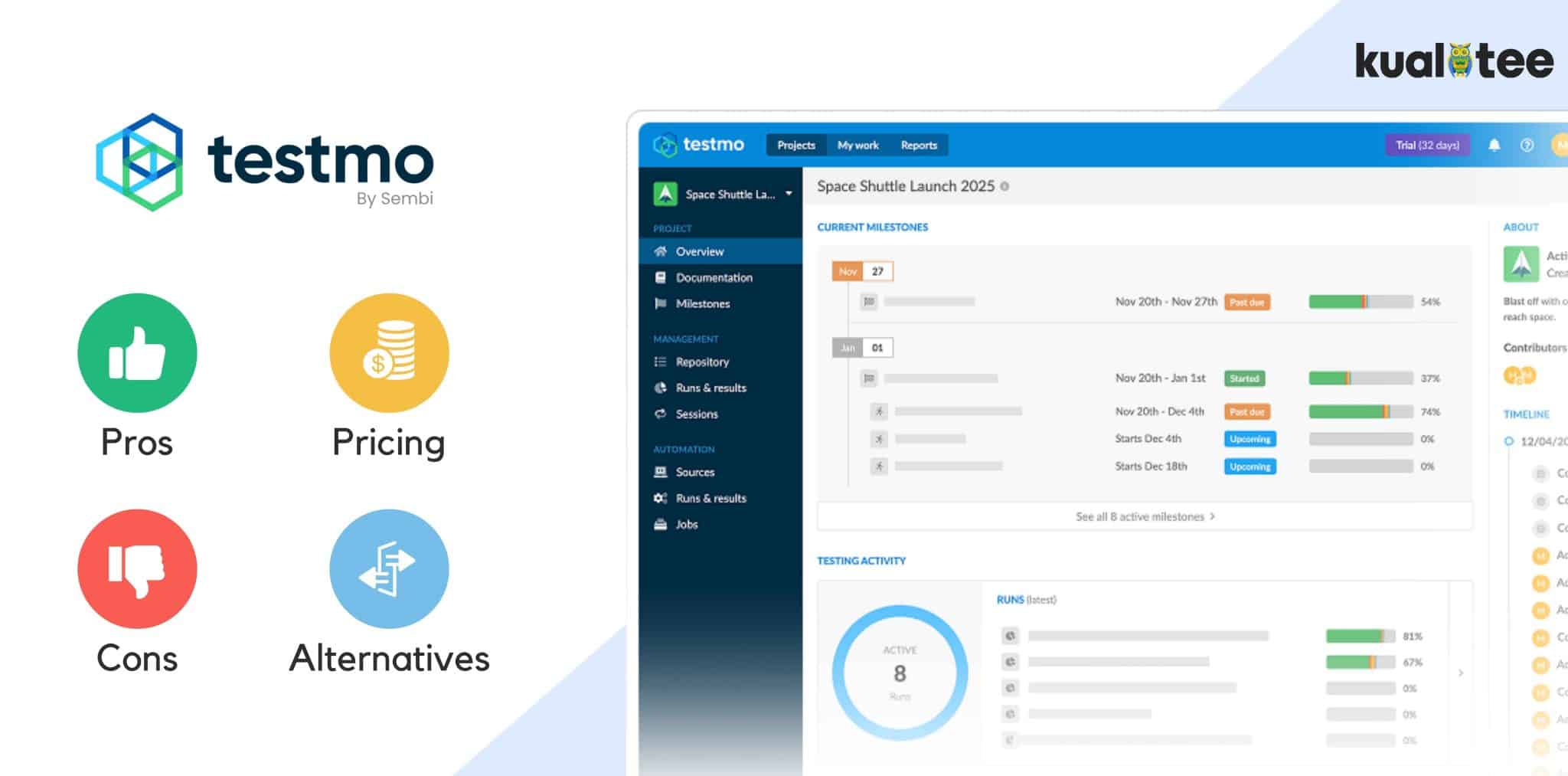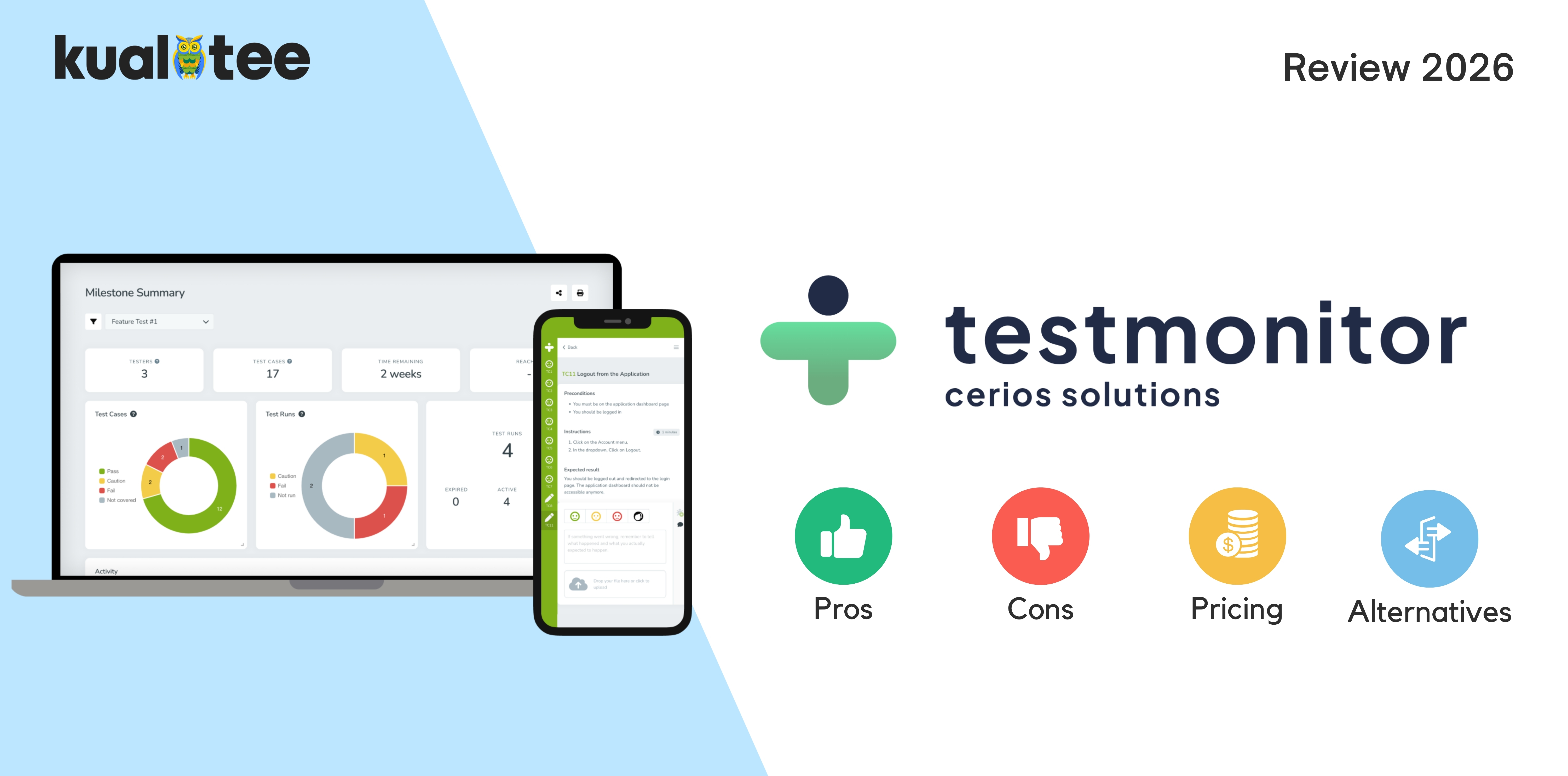
TestMonitor is a SaaS test management platform. It is built for structured manual testing, user acceptance testing, and release validation.
Verdict: TestMonitor is good for small and mid-sized teams who do structured manual testing and UAT. These teams appreciate the approachable interface a non-technical tester can learn quickly. Some teams need native automation execution, flexible customisation or the option to deploy on-premise. They should check those needs before buying.
This review looks at how TestMonitor handles everyday testing tasks, what it costs, which integrations it supports, and how it compares with other test management tools.
What Is TestMonitor Designed to Help Teams Do?
TestMonitor brings test planning, execution, issue tracking, and reporting into one place, giving QA teams a shared record of each testing cycle.
Rather than trying to cover every aspect of QA, TestMonitor focuses on planning tests, tracking results, and reporting progress throughout a release.
- Organize test cases and test plans: Teams create structured test cases, organize them into suites, and create a test schedule for each release.
- Coordinate test execution: Testers follow cases on a laptop, tablet, or phone and document progress along the way.
- Manage user acceptance testing: TestMonitor is often used for UAT, where business users validate a release before sign-off.
- Track issues and progress: An integrated issue tracker logs defects, and dashboards show execution progress in real time.
- Communicate results to stakeholders: Reports and an auditable trail turn activity into evidence for a release decision.
In a typical release, a team schedules the tests, executes one or more cycles of the tests, tracks the issues encountered, and reports the readiness of the release before go-live.
TestMonitor covers the main stages of a manual testing cycle, from planning and execution to reporting.
Putting TestMonitor to the Test: 3 Important Workflows
Managing a Structured Test Cycle
When several testers need to finish their work before a release, TestMonitor provides a central place to:
- Organise test cases into suites
- Plan test runs and assign work
- Record results as each case passes or fails
- Track execution progress on live dashboards, so the test lead sees status without chasing updates.
Users particularly appreciate the organised test repository and the dashboards that show execution progress.
One limitation to plan around: you cannot split a single test run across two or more testers.
Coordinating User Acceptance Testing
TestMonitor is particularly well suited to user acceptance testing (UAT), where business users need to check that a release meets their requirements.
The workflows suit business users and non-technical testers who need to validate a release without learning a complex tool.
A typical UAT flow:
- Assign testing activities to each tester
- Document outcomes as testers work
- Log issues against failed steps
- Report completion status for sign-off
If business users will only test occasionally, check how easy it is to give them access and assign their tests. A complicated setup or unclear permissions could make UAT harder to coordinate.
Connecting Testing With Development
TestMonitor connects testing to development through integrations rather than native execution.
- Integrates with issue trackers and dev tools, including Jira and Azure DevOps
- Turns a failed test into a tracked issue in the tool developers already use
- This can reduce the need to transfer defect details manually between QA and development.
Before choosing a plan, check whether the integration supports one-way or two-way syncing. TestMonitor reserves two-way sync for its Professional plan, according to the plan details cited in their review.
What Do TestMonitor Users Say?
TestMonitor holds a 4.4 out of 5 on G2 from 12 reviews. That is a small sample, so read it as a signal rather than a broad measure of satisfaction. Confirm the current rating and count before you rely on them.
The reviews highlight a few consistent strengths, along with some limitations.
- Ease of use. Reviewers describe the interface as intuitive and quick to learn, which matches its UAT positioning. G2 scores ease of use highly.
- Test case organization. The test repository scores well, and teams mention importing large test suites quickly.
- Reporting and visibility. Dashboards and real-time test progress come up as strengths.
- Accountability. Reviewers value the clear view of who tested what.
- Workflow friction. One documented complaint is that a test run cannot be split across multiple testers. Another reviewer wanted more workflow management, and one noted the 14-day trial feels short.
The reviews suggest that TestMonitor is relatively easy to learn and works well for teams that mainly run manual tests.
The points worth investigating for your own team are running assignments across testers and how far the workflow customization goes.
Where TestMonitor May Fall Short
There are a few limitations to consider, particularly if your team relies on automation, needs extensive customisation, or has strict deployment requirements.
- Customization: Custom fields, custom lists, and custom branding sit on the Professional plan, not Starter. If you need to shape fields and reports to your process, price in that tier.
- Automation: TestMonitor integrates automated test results from 30+ tools, but it does not execute automation frameworks itself. If your team relies on running Selenium, Cypress, or Playwright, confirm that result integration is enough.
- Collaboration: The tool supports testers, developers, and business users, but two-way sync integrations start on Professional, so check which plan gives you the collaboration you need.
- Scalability: Permissions, SSO, and advanced integrations are tiered. Confirm the plan that carries the controls you will need as testing grows.
- Cost: The entry price looks low, but required features and added users move you up the tiers, so evaluate the real total for your team size.
Check the current documentation to confirm which features are included in each plan and whether the available ingredients meet your requirements.
TestMonitor Pricing: What Should Buyers Consider?
TestMonitor uses user-tiered pricing, and all plans start with a 14-day free trial that needs no credit card. Confirm the current figures on the official pricing page before you rely on them.
- Starter: $11 per user per month on annual billing, with 3 users included. It covers the core features, the integrated issue tracker, customizable reports, and test automation result integration.
- Professional: $16 per user per month on annual billing at entry, tiered by team size. It adds custom fields, custom lists, custom branding, single sign-on, and two-way sync integrations.
- Custom: Quote-based, starting at 10 users. It adds enterprise security and support, including SAML SSO and priority support.
The actual cost depends on your team size and the features you need, so compare the total price of the relevant plan with at least one alternative.
For a small team running UAT, the Starter plan may be enough. Larger teams may need to pay for additional users or upgrade to Professional or Enterprise for features such as customisation and advanced security.
Compare the total cost with at least one alternative before deciding.
TestMonitor Alternatives: Which Tools Deserve a Comparison?
If TestMonitor does not fit your workflow, budget, or deployment needs, these test management tools are worth comparing. Verify current capabilities on each vendor’s site before you shortlist.
| Platform | Evaluation Angle |
| Kualitee | Test management, native defect management, AI, and deployment flexibility |
| TestRail | Dedicated test case organization and reporting |
| Qase | Modern, developer-led test management and integrations |
| PractiTest | Traceability and customizable testing processes |
| Zephyr | Test management inside the Jira ecosystem |
When Should You Consider Kualitee?
Kualitee is worth evaluating when you want native defects and AI alongside structured test management. Here is how it lines up against what TestMonitor offers:
| Capability | What Kualitee Offers |
| Test management | Test cases, execution, and reporting in one platform |
| Defect management | Native defect tracking, not integration-only |
| Requirement traceability | Built-in, forward and backward |
| Automation | Connects to Selenium, Cypress, and Playwright |
| AI | Hootie AI drafts test cases from requirements or a screenshot |
| Deployment | Cloud or on-premise |
Compare the workflows your team needs rather than the feature counts. You can also book a demo or sign up for free to get started.
Who Is TestMonitor Best Suited For?
TestMonitor suits teams based on how they test rather than their size alone. It is a strong fit for teams that:
- Need structured test planning and execution for manual testing
- Coordinate UAT or release validation with business users
- Want centralized testing records and real-time progress reporting
- Need integrations with existing issue trackers and development tools
Teams with heavy automation needs, extensive customization requirements, or strict on-premise deployment rules should confirm those specifics before committing, since they sit at the edges of what TestMonitor is built for. For those teams, comparing an alternative is time well spent.
Final Verdict: Should You Choose TestMonitor in 2026?
TestMonitor is a capable test management tool for structured manual testing and UAT. Non-technical testers pick up the interface quickly, and the reporting supports a clean release decision.
A few limitations are worth investigating first: native automation, workflow customisation on lower tiers, run assignment across testers, and deployment options.
Your decision comes down to three things:
- Is your testing mostly manual and UAT-driven?
- How much customisation and automation do you need?
- What is your budget and team size?
Before you commit, run a representative test cycle through the trial. Then compare its pricing and capabilities with at least one alternative.