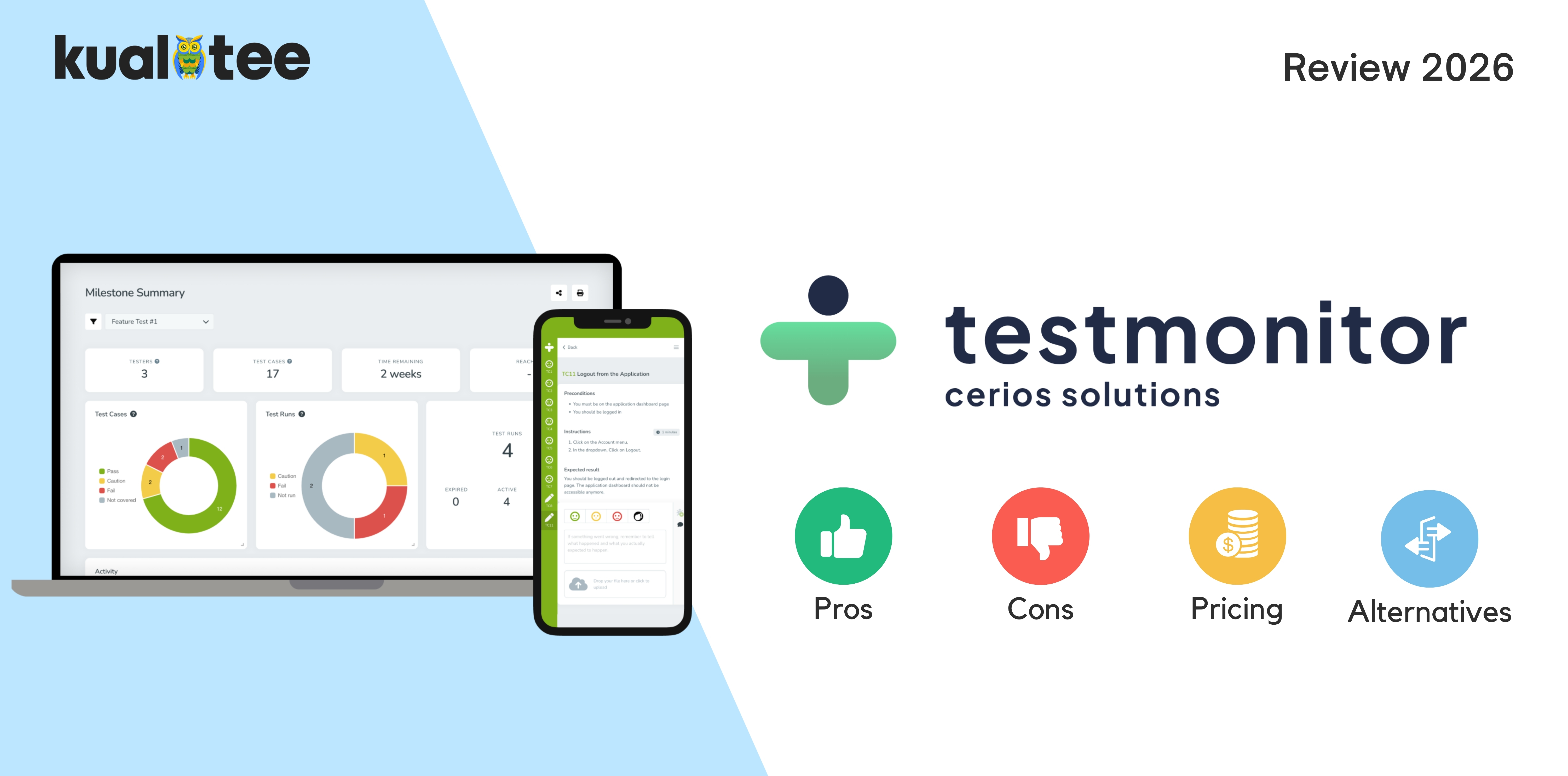
Testmo integrates manual test cases, exploratory testing, and automated test results into a single platform. This may be beneficial for QA teams managing multiple testing efforts across projects.
Whether Testmo is right for your team depends on your testing workflow, reporting needs, and budget.
Before you commit, it’s worth comparing Testmo with other test management tools, including Kualitee.
Testmo Reviews and Ratings in 2026
Testmo has a 4.6/5 rating on G2, based on 27 reviews. Reviewers generally like its interface and the way it brings different testing activities together.
The sample is small, so treat the score as a useful reference rather than a complete picture of customer experience.
What Users Like About Testmo
- Clean UI: users prefer being able to browse and use the platform without too complex an interface.
- Centralized testing: Manual test cases, exploratory sessions and automation results can all be stored centrally.
- Integrations: Development tool integrations enable the QA team to provide information about the testing performed to developers.
- Automation reporting: It allows teams to incorporate results from automated tests into their overall testing process.
- Customer support: A few reviews mention helpful and responsive customer service.
What Users Dislike About Testmo
- Reporting customization: Some users want more flexibility in dashboards and analytics.
- Search and navigation: Finding particular test cases or runs can be frustrating for some reviewers.
- Test case editing: Editing and maintaining existing cases might seem limiting.
- Sharing test cases: Teams with shared repositories should verify if Testmo supports this method.
- Large test suites: Other reviewers have experienced difficulties when running larger test suites.
Testmo’s interface and combined testing workflows get positive feedback, but reporting, searching, and repository management leave room for improvement.
These concerns come from individual reviews, so try the relevant workflows yourself before ruling the platform in or out.
Testmo Pros and Cons
Here’s a quick look at where Testmo stands out and what you should check before buying.
| Pros | Cons |
| Clean, intuitive interface | Search and navigation may not suit every workflow |
| Manual, exploratory, and automated testing in one platform | Reporting options may be limited for some teams |
| Integrations with common development tools | Search and navigation may take getting used to |
| Organized test cases and test runs | Check compatibility with your existing stack |
| Centralized automation reporting | Test case editing and sharing need evaluation |
| Plans for different team sizes | Higher-tier features can increase the cost |
Testmo Features: What Should You Evaluate?
Test Case Management
Testmo handles the core features, such as defining test cases, grouping by project, scheduling test runs and tracking results. For a team that does lots of regression testing, the day-to-day experience is as important as the feature list.
Try updating an existing case, reusing test steps, and finding a test across projects before deciding whether the workflow suits your team.
Exploratory Testing
Testmo allows testers to take notes, screenshots, track time, and add links to issues during explorations. It enables testers to record their explorations without creating an explicit test script for each test.
It’s valuable if your team uses a combination of scheduled testing and exploratory testing to identify surprising issues.
Automated Test Reporting
Testmo imports automated test results from supported frameworks and CI/CD tools with manual testing data. Tests continue to run the same way through your existing automation. Testmo makes those test results part of your larger testing process.
If your team relies on automation, consider the way failed tests are displayed and what kind of information is collected, as well as how quickly you’re able to drill down into the failure.
Integrations and Reporting
Testmo offers integrations for Jira, GitHub, GitLab, and CI/CD. These integrations allow teams to view the results of test runs in the context of their development lifecycle.
Its reporting capabilities support teams to track, report on progress, and communicate testing results to stakeholders. Reporting capabilities are dependent on the specific plan subscribed to.
Test the integrations needed before purchasing to ensure they function as desired. Make sure the ready-made reports include the key measures your team relies on for release decisions.
Testmo Pricing in 2026: Is It Worth It?
Testmo offers three main subscription plans. According to its official pricing page, the current monthly prices are:
| Plan | Price per month | Included users |
| Team | $59 | 5 |
| Business | $249 | 15 |
| Enterprise | $599 | 25 |
Testmo advertises a 15% discount on annual plans. Additional users, taxes, and other charges may affect the final cost, so confirm the terms with the vendor before subscribing.
Here’s what you get with each plan:
- Team: Includes test management, unlimited projects and test cases, automation results, integrations, and Testmo AI.
- Business: Adds the Reporting Center, customizable role-based access, and project administrators.
- Enterprise: Adds single sign-on, two-factor authentication enforcement, user audit logs, and automation launching.
The Business and Enterprise plans include different user allowances and access-control capabilities.
Check the comparison of the plans to ensure what features are included in each plan.
You might only need the team plan for simple test management. However, reporting and access control come at higher plans, and these costs can be a burden as your team size increases.
When reviewing quotes, account for additional seats and migration/setup fees.
Best Testmo Alternatives in 2026
There are other alternatives you can consider apart from Testmo for handling your test cases and QA workflows. It all depends on your budget and needs.
| Tool | Best for | What to compare |
| Kualitee | Teams looking for broader QA workflows | Test management, defect tracking, deployment, pricing |
| TestRail | Dedicated test case management | Test organization, reporting, integrations |
| Qase | Modern, developer-oriented workflows | Usability, automation integrations, pricing |
| PractiTest | Teams prioritizing traceability | Reporting, requirements traceability, customization |
| Zephyr | Teams working in Jira | Jira workflows, test execution, reporting |
| Tuskr | Teams evaluating budget-conscious options | Pricing, test management, reporting |
Shortlist tools based on the gaps you need to fill. If defect tracking is the priority, look closely at that workflow.
If your team lives in Jira, start with how each tool handles Jira-based testing.
Kualitee as a Testmo Alternative
Kualitee combines test case management with defect tracking, requirements traceability, and reporting. It may suit teams that want these QA workflows in one platform, particularly if on-premise deployment is a requirement.
Testmo is worth comparing if exploratory testing and centralised automation reporting are priorities. Try both tools with the same project to see which fits your workflow.
Use your projects to compare both platforms on similar grounds, particularly if you require AI-assisted test creation, specialized integrations, or specific deployment configurations.
Check the features and costs of each plan before committing.
For a more detailed comparison, read our guide on the 7 Best Testmo Alternatives in 2026.
How to Choose the Right Alternative
When comparing alternatives, focus on the following 6 things:
- Team size and test volume
- Manual & Automated testing
- Reporting and traceability
- Defect tracking and integrations
- Cloud / on-premise deployment
- Total cost for your team
Run the same project through each shortlisted tool. A real workflow will reveal more than a feature checklist.
Who Should Use Testmo?
Testmo may be a good fit for:
- QA teams managing manual and automated testing in one place.
- Testers who regularly conduct exploratory sessions.
- Organizations that want a central view of test cases, runs, and results.
- Teams using supported development tools and CI/CD integrations.
- Businesses looking to reduce the effort involved in coordinating testing across projects.
It can suit teams of different sizes, provided the selected plan meets their requirements.
However, teams that depend on highly customized reporting, extensive repository sharing, specialized search workflows, or self-hosted deployment should verify those requirements first.
The key is to make sure Testmo supports your team’s everyday work without introducing unnecessary cost or complexity.
Testmo vs. Kualitee: Which Should You Choose?
Testmo and Kualitee both support test management, but they approach the wider QA workflow differently.
| Evaluation criteria | Testmo | Kualitee |
| Test case management | Manual test case organization and execution | Test case management and execution |
| Exploratory testing | Dedicated session management | Verify against your required workflow |
| Automated testing | Automation result reporting and integrations | Automation integrations and reporting |
| Defect management | Integrations with issue trackers | Native defect management |
| Reporting | Built-in metrics; advanced reporting varies by plan | Reporting and dashboards; verify required options |
| Integrations | Jira, GitHub, GitLab, CI/CD tools, and others | Verify your required integrations |
| Deployment | Cloud-based | Cloud and on-premise options |
| Pricing | Published subscription plans | Check current plans and deployment costs |
Testmo is a fit if your team requires manual testing, exploratory testing, and automated test reporting all in a single tool.
If your QA system also leverages native defect management, requirements traceability, and on-premise hosting, then Kualitee is definitely worth investigating.
Compare each against the similar project and price specs first.
Final Verdict: Is Testmo Worth Considering in 2026?
Testmo is worth shortlisting if your team needs manual testing, exploratory sessions, and automated test reporting in one workspace.
Use the free trial before you commit and explore the search, reporting and test maintenance activities your team performs most.
If you also need native defect management or on-premise deployment, compare Kualitee before making your decision.