Your team runs projects in Asana. But as a release approaches, someone asks for the test results and the answer is usually a scattered mix of spreadsheets, a few Asana tasks, and one person’s memory.
Asana is great for task coordination, but isn’t built for QA. It lacks a test case repository, pass/fail execution history, and a way to trace a requirement through to the defect it produced. And when testing lives in scattered tasks, you lose visibility into actual business impact. A PractiTest’s State of Testing Report found that only 8.6% of QA teams are evaluated on business impact.
The practical move isn’t to rip out Asana. It is to keep it for project management and integrate a dedicated QA tool, keeping testing activity and project tasks in sync without ever re-typing the same defect twice.
This guide compares nine test management tools that work with Asana. For each one, we checked the actual Asana integration against the vendor’s documentation and Asana’s app directory, then recorded the type of integration, because that detail affects how well a tool fits an Asana workflow. You also get features, pricing, and a plain answer on which tool suits which team.
What is Asana Test Management Software?
Asana test management software is a dedicated QA platform that connects to Asana so teams can manage test cases, test runs, and defects in a specialized tool while running projects and tasks in Asana. The integration keeps testing and project work in sync, so a defect logged during testing becomes an Asana task without manual copying.
Asana handles assignments, timelines, and collaboration. It does not handle the QA process. There is no place to store structured test cases, no execution states like pass, fail, or blocked, no test-run history, and no requirements traceability.
What a test management tool adds to Asana:
- Reusable test case library
- Real-time execution tracking
- Built-in defect management
- Requirements traceability
Most tools create or link an Asana task when a defect is logged, and some sync the status in both directions.
Manual and automated tests both feed the same dashboard, so QA leads see coverage and progress in one view instead of piecing it together before every release.
How We Evaluated These Asana Test Management Tools
Our evaluation process:
- Every Asana integration below was verified against the vendor’s own documentation and Asana’s app directory.
- We did not assume an integration just because a tool appeared in a review site’s software category.
- We explicitly state whether an integration is a full two-way sync, one-directional, or just link-based. This is so buyers know exactly what they are getting.
We scored each tool on the technical criteria that actually matter for an Asana integration:
| Criteria | Importance |
| Asana integration | High |
| Test case management | High |
| Test execution | High |
| Defect management | High |
| Automation support | High |
| Reporting and analytics | High |
| Requirements traceability | High |
| API support | Medium |
| Ease of use | Medium |
| Pricing | Medium |
| Enterprise features | High |
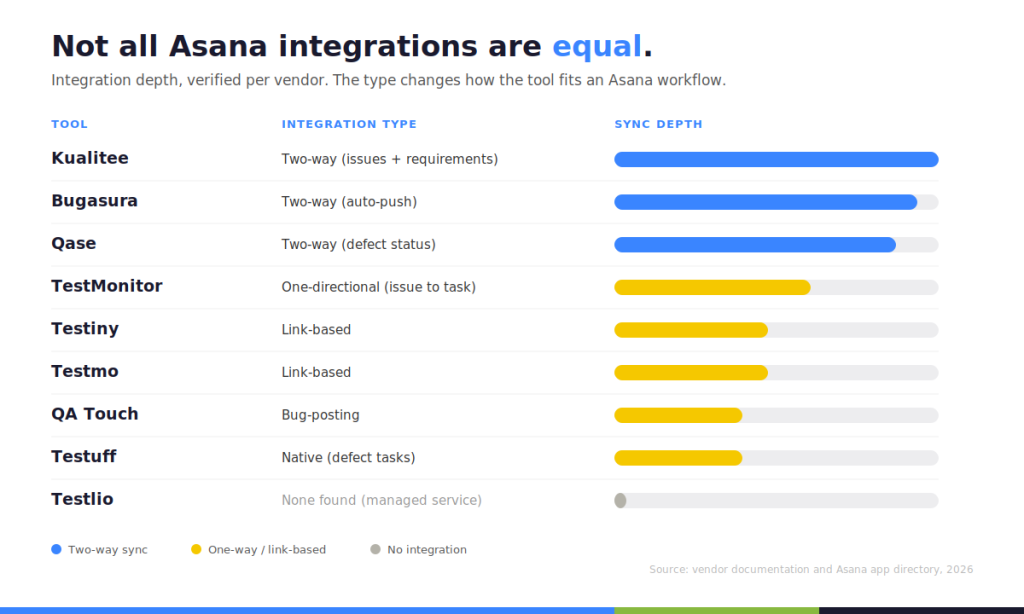
We also recorded the integration type for each tool. A two-way sync that covers issues and requirements is a different thing from a one-directional “send issue to Asana as a task,” and the difference shows up in daily use.
Best Test Management Software for Asana
Here are 9 tools ranked by how well they actually integrate with Asana. We put Kualitee first because of its native two-way sync, but the best choice depends entirely on your team’s workflow.
1. Kualitee: Best Overall test management software for Asana

Kualitee is an AI-powered test management platform that connects requirements, test execution, and defects into a single view. It is built for teams that use Asana to coordinate projects and need structured QA without leaving that workflow behind. More than 2,000 teams use it, and G2 named it a Regional Leader in Spring 2026.
Best for: QA teams and managers who run projects in Asana and want test case management, execution, and defect tracking in one tool, with AI to speed up test creation.
Test case management runs on projects and folders with reusable templates, so you build a case library once and reuse it every release. Manual and automated cases live in the same view.
Test execution happens inside Kualitee: run cases, log pass or fail, capture defects on the spot, and watch results update in real time.
Defect management is built in, with severity, priority, and status workflows. This matters more than it sounds. Many test management tools leave defect tracking to a separate bug tracker, so testers bounce between two systems all day. Kualitee handles it in one place.
Asana integration: The integration is native and two-way, syncing both issues and requirements in both directions. You can link multiple Asana projects, and Asana’s tag system determines whether an item shows up as a requirement or a defect inside Kualitee.
Field mapping is pre-configured for defect description, task name, steps to reproduce, and status.
Two honest caveats: The mapping is basic and hard-coded, and you need admin access on both tools to set it up.
Key platform capabilities:
- Hootie, the built-in AI, generates test cases from requirements and can even build them from an uploaded image of your interface, reaching up to 80% coverage.
- Kualitee connects to Selenium, Jenkins, GitLab, and other CI/CD tools to trigger test runs and capture results.
- Offers real-time reporting through a dashboard, defect burndown charts, and full traceability mapping from requirements to defects.
- Available in cloud and on-premises environments.
Kualitee’s pricing starts with a free-forever Growth plan and moves to $12 per user per month on the paid tier. A viewer license is $7 per month for managers who only need to read reports.
Pros: Native two-way Asana sync of issues and requirements, built-in defect management, AI from the free tier, low per-seat cost, cloud and on-premises options.
Cons: Asana field mapping is basic and hard-coded, and the AI runs on a credit model rather than being unmetered.
2. Qase: Best for Modern, Developer-Friendly QA Teams
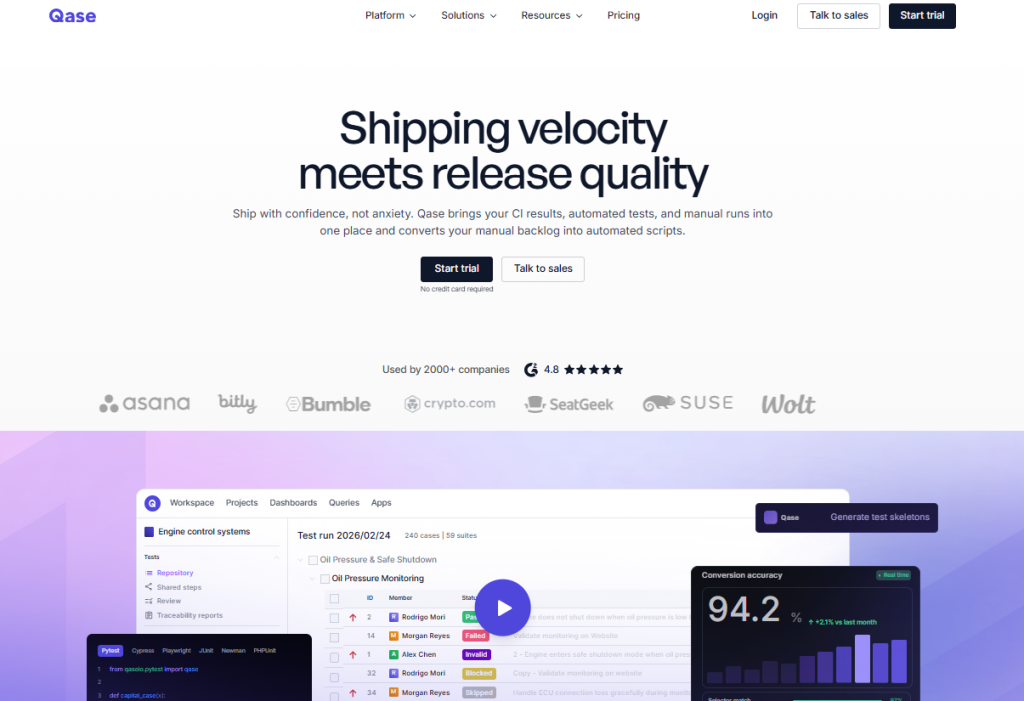
Qase is a modern test management platform that brings CI results, automated runs, and manual testing into one view. It has a clean interface and a strong API, which is why developer-leaning teams tend to like it.
The Asana integration is a native app. You can link test cases, runs, and defects to Asana tasks, create an Asana task directly from a test run, and the defect status syncs both ways, so marking a defect resolved in Qase marks the Asana task as completed.
Qase covers test case management, manual and automated testing, test runs, reporting, and webhooks.
The free plan supports up to 3 users, and paid plans start around $35 per user per month.
Pros: Clean UI, strong API and webhooks, real two-way defect sync with Asana.
Cons: Some users report sync limits after the initial link, and reporting could be more flexible. For a side-by-side breakdown, see Kualitee vs Qase.
Best for: Developer-friendly teams that want strong Asana synchronization.
3. Testiny: Best for Simple, Link-Based Test Management
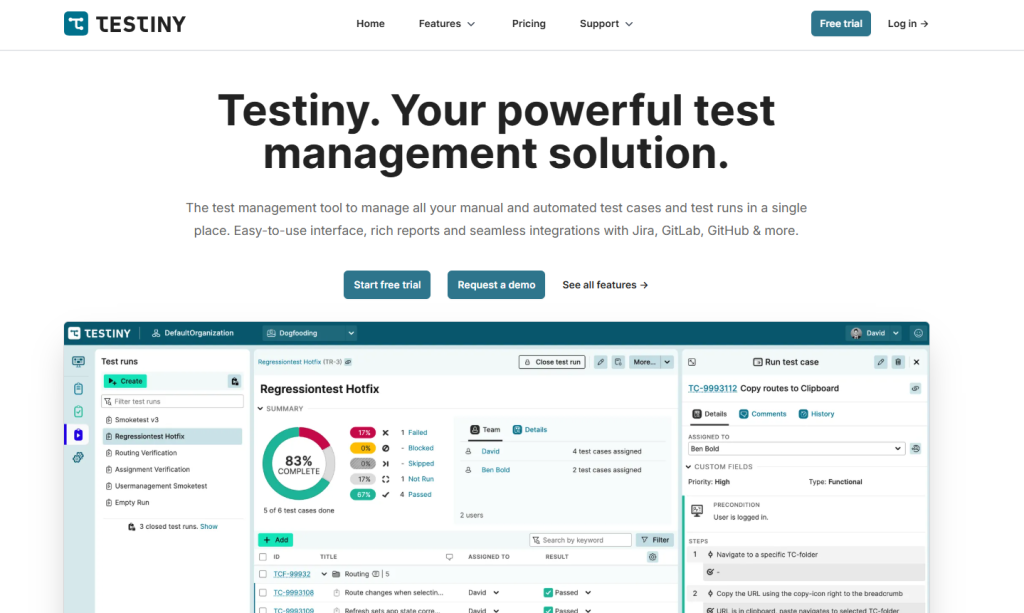
Testiny is a newer test management tool focused on ease of use, team collaboration, and data privacy.
The Asana integration is native and link-based. You create or link Asana issues from Testiny for defects and requirements using built-in link templates, and you configure it per project. It is simpler than a deep field sync.
Testiny handles test case management, test runs, manual and automated testing, dashboards, milestones, and shareable PDF reports.
It also offers an MCP server, so AI tools can create cases and update results through natural language.
Pricing includes a free trial plus free accounts for open-source projects, with paid plans per seat and two months free on annual billing.
Pros: easy onboarding, clean interface.
Cons: Link-based rather than deep sync, and a smaller ecosystem than the older tools.
Best for: Teams that want a straightforward tool with Asana issue linking.
4. TestMonitor: Best for Risk-Based and UAT Testing
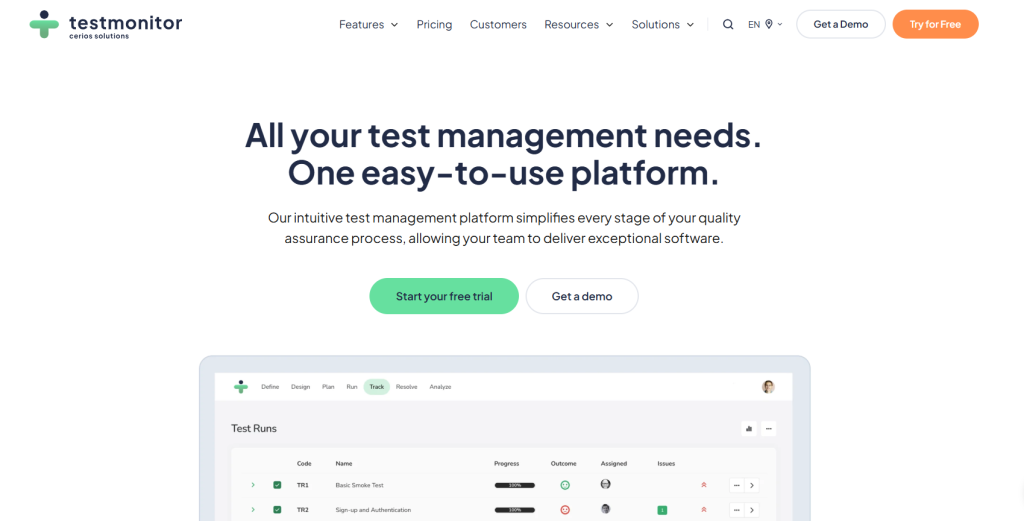
TestMonitor is a structured test management tool with requirement and risk management built in. It is a common pick for user acceptance testing because non-experts can pick it up quickly.
The Asana integration is native but one-directional. You send TestMonitor issues to Asana as tasks and can link existing Asana tasks to issues. It is an issue-to-task flow, not a full two-way sync, so plan around that if bidirectional status matters to you.
The tool covers test management, test planning, milestones, issue tracking, reporting, and risk management.
Pricing starts around $13 per month per user, with a 14-day trial.
Pros: Risk-based structure, a guest testing feature for crunch periods, easy for people new to test management.
Cons: The Asana flow only goes one way, and the integration list is shorter than some peers.
Best for: Teams that prioritize risk management and structured UAT.
5. Testmo: Best for Unified Manual, Automated, and Exploratory Testing
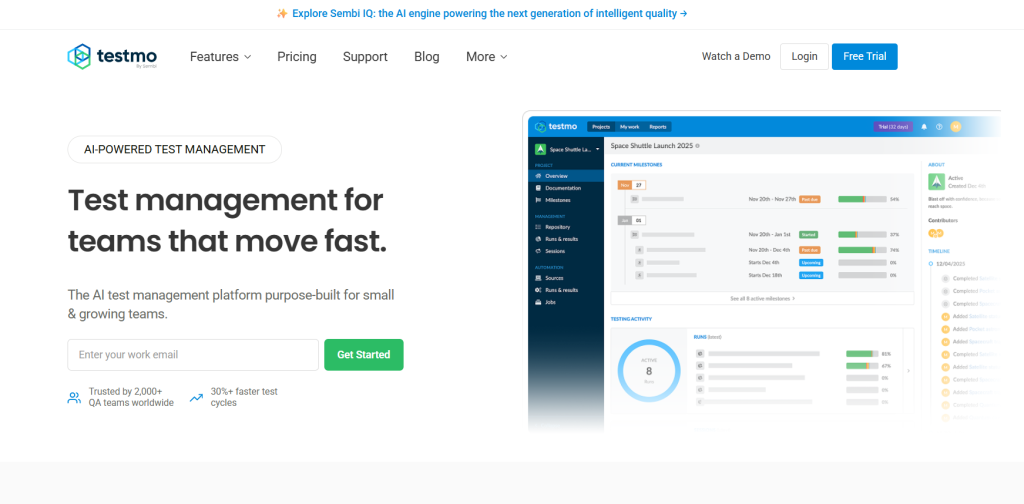
Testmo puts manual, automated, and exploratory testing in one platform with solid reporting across all three.
The Asana integration is native and link-based. You add new Asana issues from tests, cases, and runs, and you can link and access existing issues from testing entities.
Testmo covers test cases, automation result ingestion, exploratory testing, reporting, and analytics.
Pricing is bucket-based: Around $99 per month for up to 10 users, and $399 per month for up to 25.
Pros: Unified view across test types, strong reporting, a broad integration list.
Cons: Bucket pricing forces a tier jump when you add one user past a limit, and there is no built-in AI test generation.
Best for: Teams that want manual, automated, and exploratory testing together.
6. QA Touch: Best for Test Planning and Collaboration
QA Touch is an AI-driven test management platform built by testers, with a focus on planning and collaboration. Mind mapping is one of its more distinctive features.
The Asana integration is native and focused on bug posting. You post bugs from QA Touch into Asana and track them through Asana’s list management.
The tool covers test case management, test planning, mind maps, reporting, and collaboration.
Pricing starts at $7/user/month on the Professional plan and $15 /user/month on the Unlimited plan.
Pros: Collaborative, intuitive, AI features.
Cons: The Asana flow is oriented around bug posting rather than deep sync.
Best for: Teams focused on test planning and cross-team collaboration.
7. Testuff: Best for Web-Based Test Management
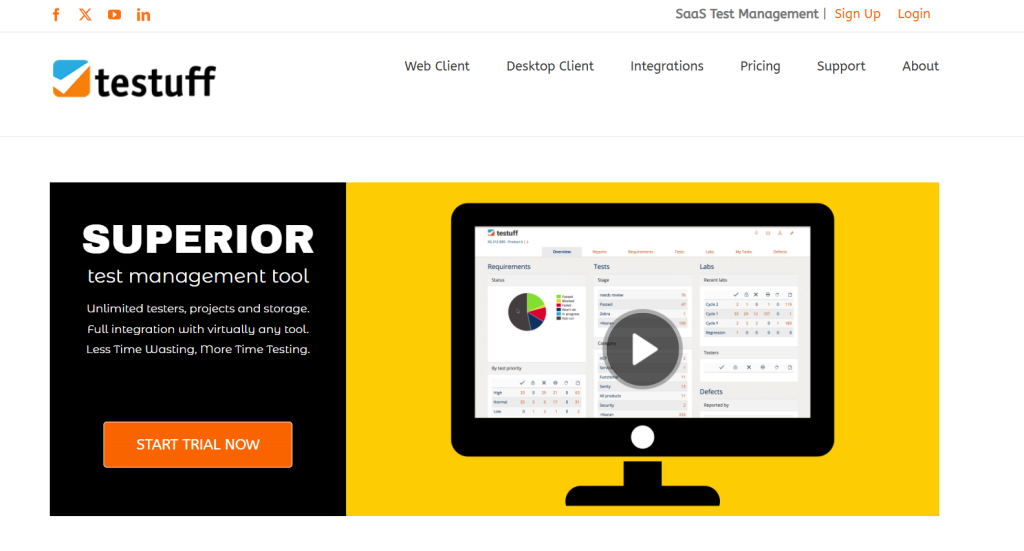
Testuff is a long-running web-based test management tool with two-way integrations across a wide range of bug trackers. It is one of the more affordable options here.
The Asana integration is native and listed in Asana’s app directory. You manage test cases, plans, and runs and track results, with defects flowing to Asana tasks.
Testuff covers test case management, test execution, defect management, reporting, and broad integrations.
Pricing starts around $27 per month, and some plans include unlimited testers and projects.
Pros: Affordable, generous user and project limits.
Cons: The interface feels dated, and it is lighter on modern AI features.
Best for: Teams that want web-based test management on a budget.
8. Bugasura: Best for Bug Tracking and Lightweight QA

Bugasura is an AI-powered bug tracking and test management tool with a free-forever core. It is lightweight and fast to adopt, which suits startups and fast-moving teams.
The Asana integration is native and two-way, with an auto-push option. New issues in Bugasura populate to Asana automatically, and updates sync across. You can auto-push existing and future issues, so you set it once and stop thinking about it.
The tool covers bug tracking, test runs, requirements, and test management through its Testpert AI layer, reporting, and collaboration.
The core is free forever for unlimited users, with paid tiers above that with a custom quote.
Pros: Free, quick to adopt, genuine two-way Asana sync.
Cons: Lighter on formal enterprise features and documentation management.
Best for: startups and fast-moving teams that lead with bug tracking.
9. Testlio: Best for Managed and Crowdsourced Testing

Testlio is a managed testing service that combines a platform, a network of freelance testers, and client services. It is not a self-serve tool you run yourself.
We did not find a native Asana integration in Asana’s app directory or in Testlio’s documentation, so treat it as a service rather than a tool that plugs into your Asana workflow.
It covers managed and crowdsourced testing, functional testing, and mobile and web coverage across devices, geographies, and payment methods.
Pricing is custom and quote-based.
Pros: Expert-run, broad real-device and geographic coverage.
Cons: Not a do-it-yourself test case tool, no documented Asana integration, and an enterprise engagement model.
Best for: Teams that want testing delivered as a managed service instead of a tool to operate.
Asana Test Management Software Comparison
| Tool | Asana Integration | Test Cases | Defect Management | Starting Price | Best For |
| Kualitee | Native, two-way (issues + requirements) | Yes | Yes (built-in) | Free / $12 user/mo | Overall + AI |
| Qase | Native, two-way (defect status) | Yes | Yes | Free / $35 user/mo | Modern QA teams |
| Testiny | Native, link-based | Yes | Yes | Free trial / $18.50 per seat | Simple management |
| TestMonitor | Native, one-directional | Yes | Yes | $13/mo (3 users) | Risk-based / UAT |
| Testmo | Native, link-based | Yes | Yes | $99/mo (10 users) | Unified testing |
| QA Touch | Native, bug-posting | Yes | Yes | Free / $7/user.mo | Planning + collaboration |
| Testuff | Native | Yes | Yes | $27/mo | Web-based |
| Bugasura | Native, two-way (auto-push) | Yes | Yes | Free forever / Custom pricing | Bug tracking |
| Testlio | None found | — | — | Custom | Managed testing |
Asana vs Dedicated Test Management Software
Asana and test management software solve different problems and work best together. Asana coordinates projects and tasks. A test management tool runs the QA process and syncs the results back to Asana.
| Asana | Dedicated Test Management Tool |
| Project and task management | Test case management |
| Task assignment | Test execution (pass/fail/blocked) |
| Project timelines | Test runs and cycles |
| General collaboration | QA-specific workflows |
| Project reporting | Test and defect reporting |
| Task tracking | Requirements traceability |
| General workflow automation | Testing automation and results |
The two connect through integration. A defect logged in the test tool becomes an Asana task, and the status stays aligned as it moves. Asana keeps doing project coordination, and the test tool gives QA the structure Asana was never built to provide.
What Features Should You Look For in Asana Test Management Software?
Don’t compromise on these core capabilities:
- A verified Asana integration, and its type. Two-way sync behaves very differently from a one-directional send.
- Test case management with reusable test cases, so you are not rewriting the same cases each release.
- Test execution with test suites and test runs, and clear pass, fail, and blocked states.
- Defect management, ideally built in rather than bolted on through a separate tool.
- Requirements traceability from requirement to test case to defect.
- Manual and automated testing in one place.
- CI/CD integrations and API access.
- Reporting and dashboards you can put in front of stakeholders.
- Role-based permissions, custom workflows, and audit logs.
- Scalability and security as your team will grow.
Quick Decision Guide
| Recommended Tool | Ideal Team & Primary Use Case |
| Kualitee | Teams wanting AI-powered QA, native two-way issue/requirement sync, and built-in defect tracking with a free tier. |
| Qase | Developer-centric teams seeking modern UI, strong API workflows, and two-way defect synchronization. |
| Testiny | Teams wanting a simple, lightweight setup with straightforward, link-based Asana issue tracking. |
| TestMonitor | Teams focused heavily on risk-based testing and structured UAT workflows. |
| Testmo | Teams needing a single platform to combine manual, automated, and exploratory testing. |
Best Practices for Managing Testing with Asana
Here is how to structure your workflow so your data doesn’t drift apart:
- Keep test cases in the dedicated test management platform, not in Asana tasks.
- Use Asana for project and task coordination, which is what it does well.
- Link every defect to its Asana task, so developers work from one place.
- Maintain traceability from requirement to test case to defect.
- Automate regression testing and feed CI/CD results into the test tool.
- Standardize test case naming and reuse cases across releases.
- Track QA metrics like execution rate, pass and fail counts, and defect trends on a shared dashboard.
- Review testing status against release milestones before every release.
Integration is what holds this together. A two-way sync, like Kualitee’s issue-and-requirement sync with Asana, keeps QA status and project status in agreement instead of drifting apart between updates.